

Graph and compare functions on iPad.
Use expression rows to plot ordinary functions, control what is visible, and move from the curve to exact values with Callie Pro's graph inspection tools.

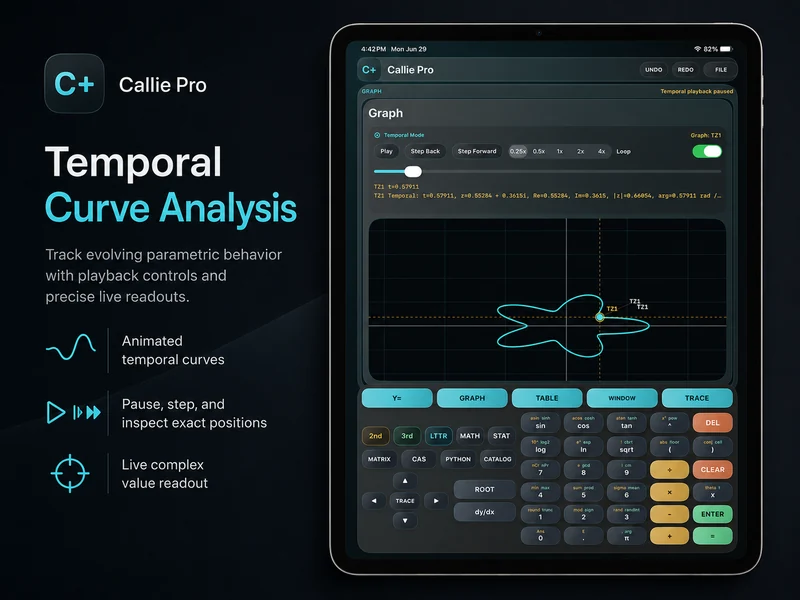
How do you graph a function in Callie Pro?
Open Graph, select an expression row, and enter a function of x. Callie Pro plots the confirmed expression in the current window; Fit, Zoom, and Window controls adjust the view when the curve is too small or off-screen.
Add more expression rows to compare functions, or hide an expression without deleting it when you want a cleaner view.
Move from expression to evidence.
- 1
Enter the first function
Open the Y= editor, select the first row, and enter a valid expression in x.
Y1 = x^2 - 4 - 2
Add a comparison
Create another expression row when the question depends on how two functions relate.
Y2 = 2x + 1 - 3
Control visibility
Hide a row to simplify the graph without losing the expression, then show it again when comparison matters.
- 4
Inspect the graph
Use Trace for coordinates, Table for sampled values, and analysis tools for roots, extrema, derivatives, or intersections.
Try a concrete case.
Compare a parabola and a line
Plot both expressions, use Intersection to locate shared points, and verify nearby values in Table.
- Y1 = x^2 - 4
- Y2 = 2x + 1
Inspect a wave
Graph sin(x), use a trigonometric window if useful, and trace the curve through one period.
Y1 = sin(x)Continue in the definitive manual.
These links open the exact Callie Pro guide sections used as the factual source for this tutorial.
Open the complete manual section.
Read in the manual 2D Function GraphsOpen the complete manual section.
Read in the manual Window, Fit, And ZoomOpen the complete manual section.
Read in the manual TraceOpen the complete manual section.
Read in the manual TableOpen the complete manual section.
Read in the manualGraph functions on iPad questions
Answers drawn from the visible Callie Pro workflow above.
Yes. Add expression rows to compare functions in the same graph, and hide individual rows without deleting them.