
Computer Algebra System
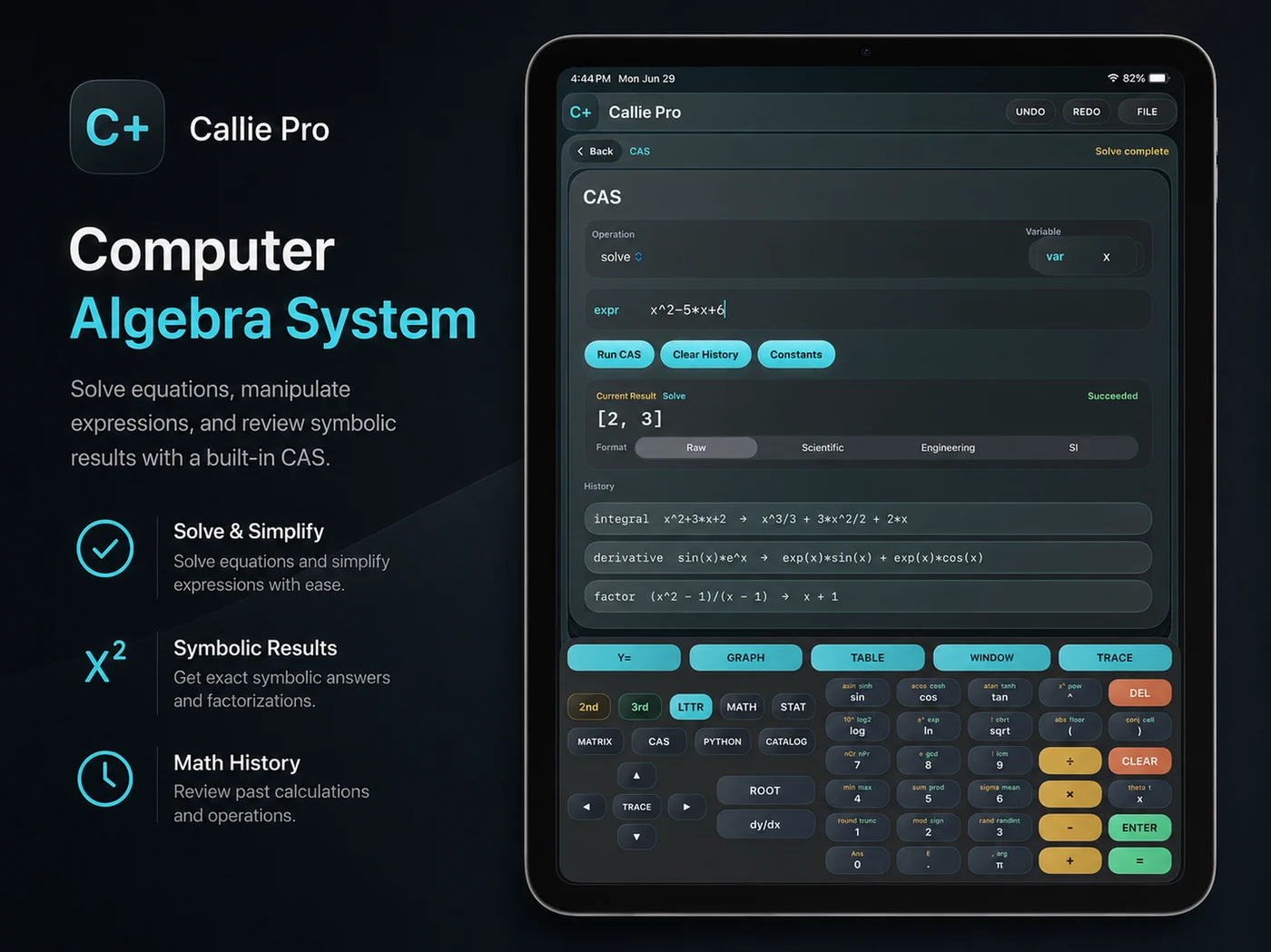
Keep the exact answer.
Simplify, factor, expand, solve, differentiate, integrate, and evaluate supported limits. Review symbolic results without losing the structure of your work.
A mathematical workstation for Mac and iPad.
Animate equations. Explore complex surfaces. Work with tensors. Go deeper with symbolic math and local Python—natively on Mac and iPad.
Native on Mac and iPadOne App Store listing
Temporal Mode
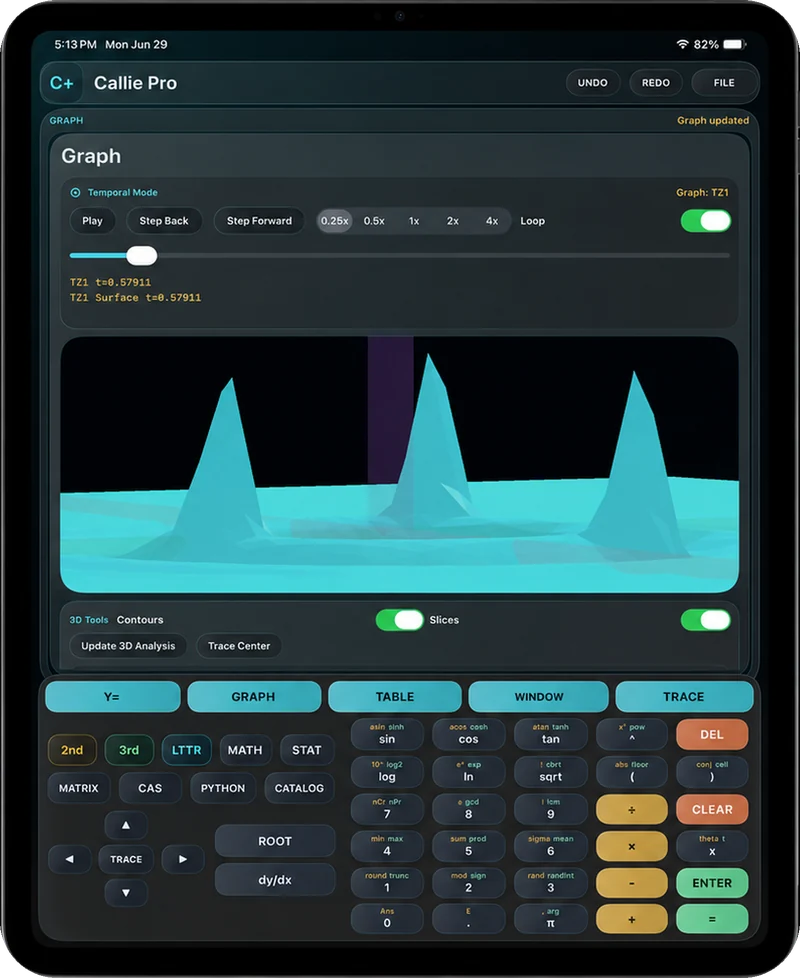
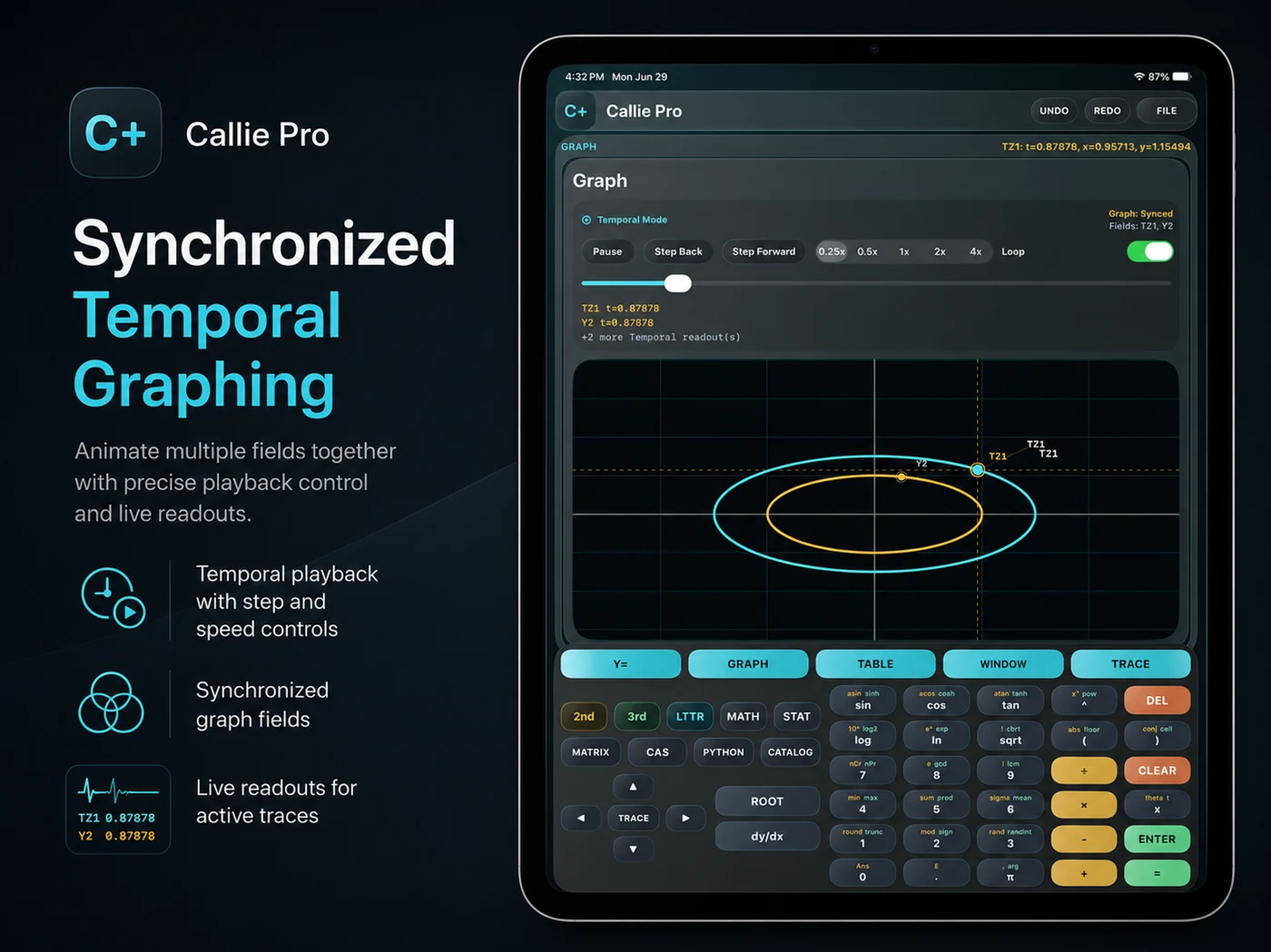
Time becomes part of the equation. Play through a changing function, pause on a moment, or step through it until the behavior makes sense.
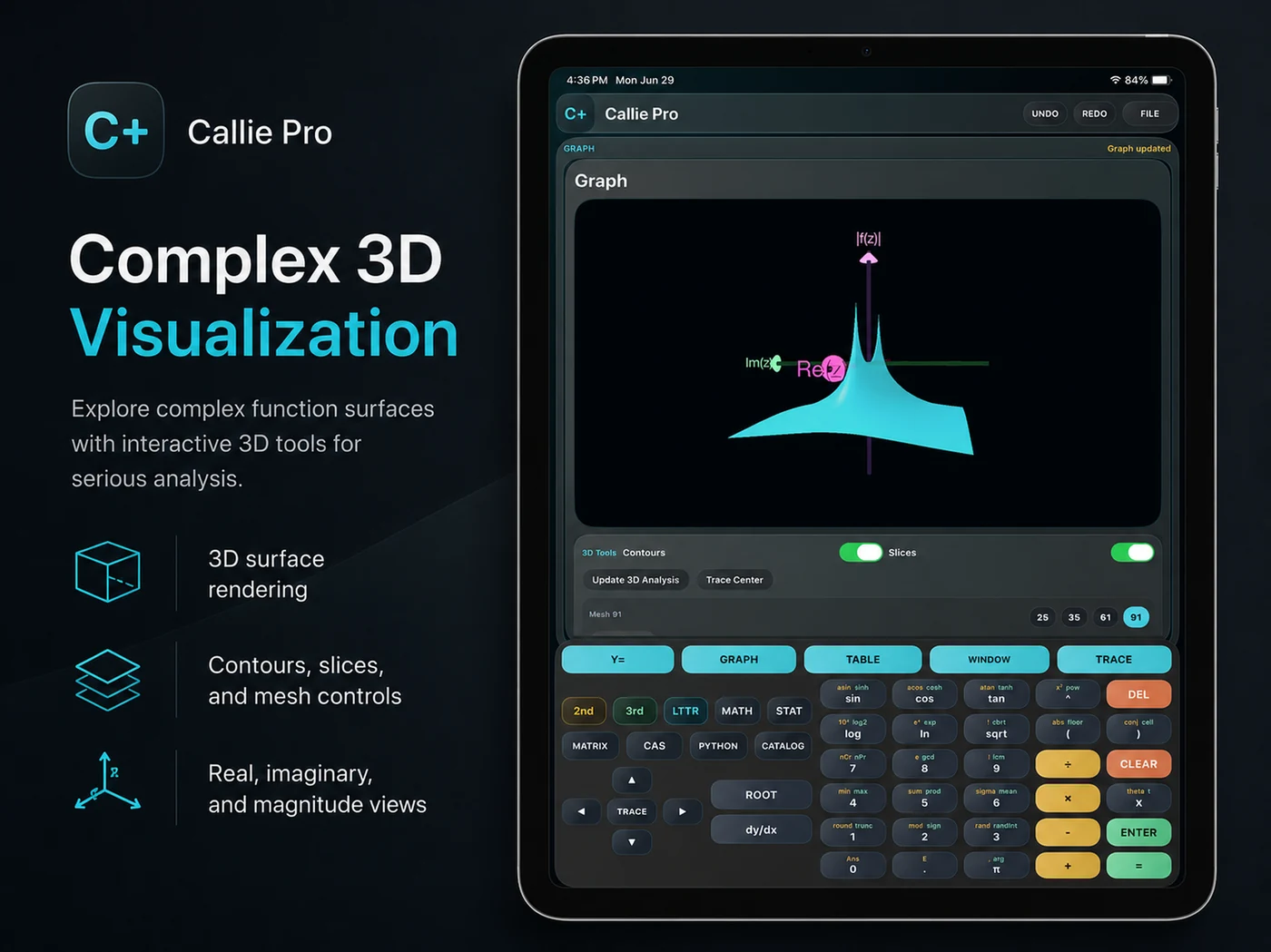
Complex 3D
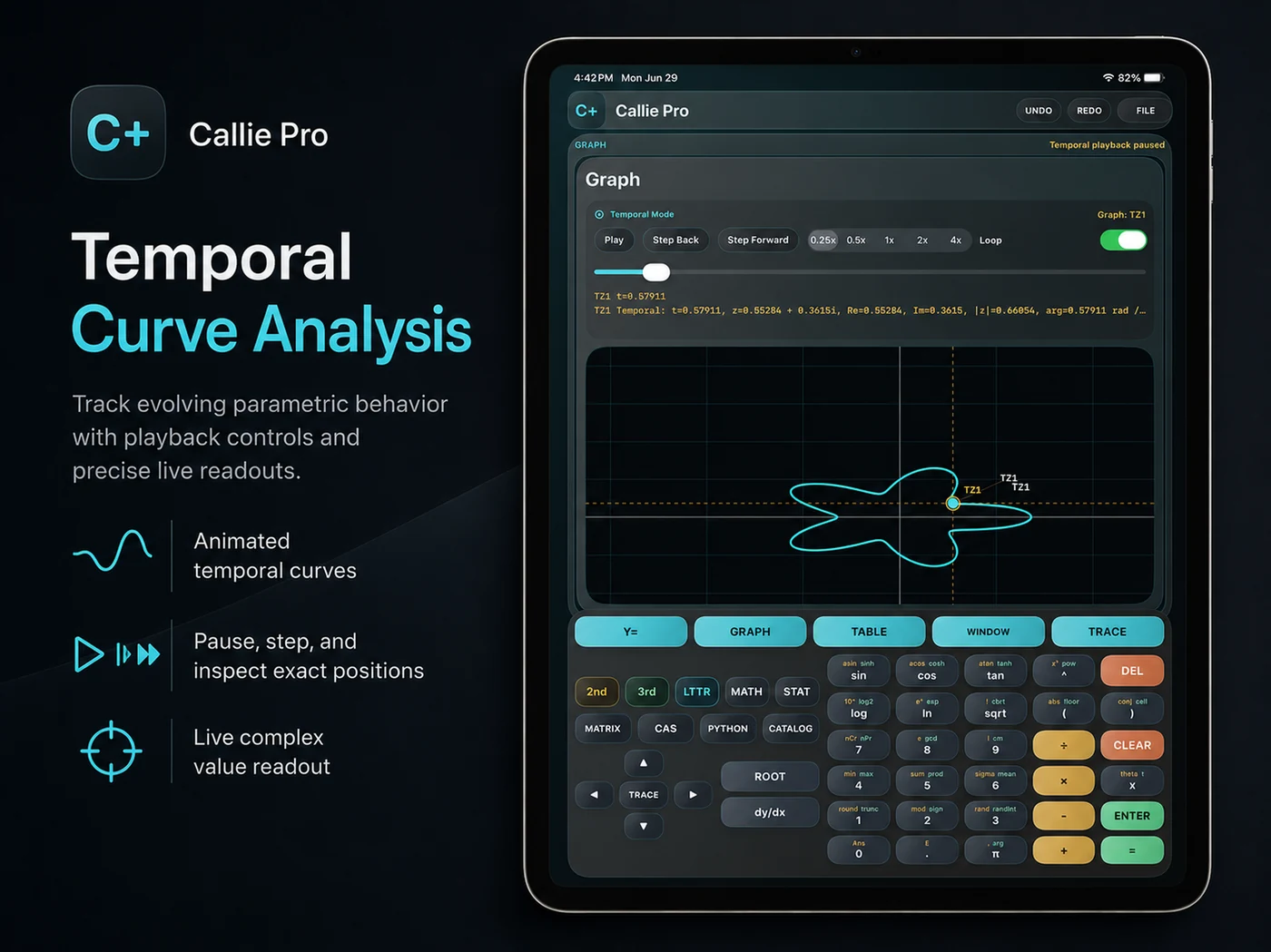
Turn a complex-valued function into a surface you can inspect. Explore its magnitude, argument, real part, or imaginary part—and see structure that an expression alone can hide.
CAS + Python
Keep exact expressions, tensor objects, and numerical experiments close to the graph. Different ways to follow the problem further.
Computer Algebra System
Simplify, factor, expand, solve, differentiate, integrate, and evaluate supported limits. Review symbolic results without losing the structure of your work.
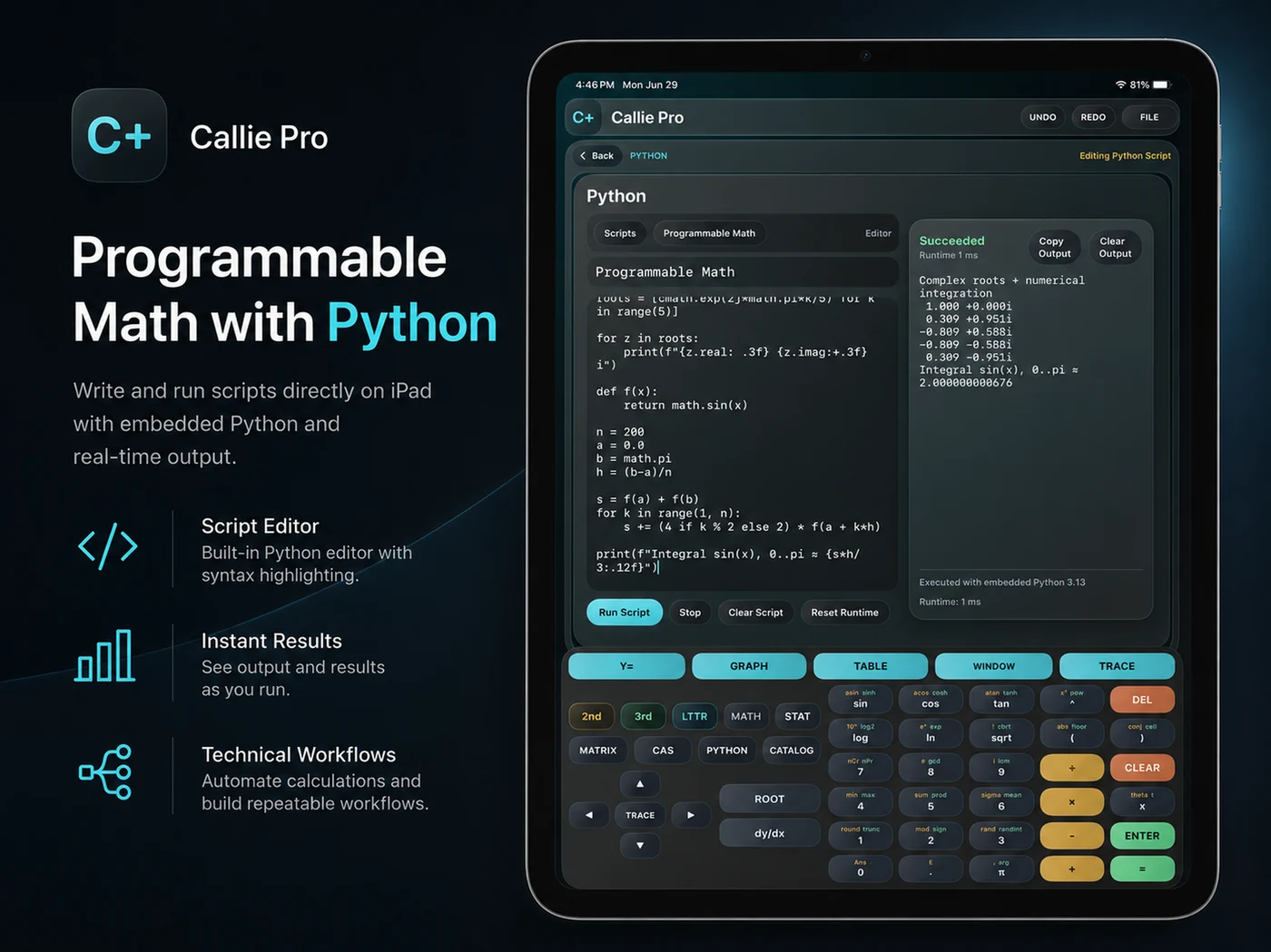
Local Python workspace
Write a numerical script, run it locally, inspect the output, and revise it. Matrix, Tensor, and compatible dataset handoffs keep computation connected.
Math-focused sandbox: no network, file browsing, package installs, or subprocesses.
Callie Pro for Mac
The same mathematical foundation as Callie Pro for iPad, shaped for desktop windows, keyboard and mouse workflows, larger problems, and higher compute ceilings.
Built for the desktop
Use a native Swift and SwiftUI desktop shell with collapsible workspace navigation, menu commands, keyboard shortcuts, mouse and trackpad interaction, resizable workspaces and inspectors, and Mac-native Save and Export workflows.

More room for the hard stuff
Work with Matrix editing up to 128 × 128, tensors up to rank 8, larger statistics datasets, higher graph sample limits, 3D mesh levels up to 257, and adaptive Temporal 3D quality under bounded resource policies.
Mac Python is bundled with Callie Pro. It does not depend on Homebrew or the system Python, and it keeps the same local sandbox model.
Go from a question to a graph, a calculation, and a result you can use—without switching tools.
RREF, inverse, determinant, LU, QR, least squares, norms, conditioning, eigenvalues, and Ax=b systems.
Rank-N tensors, Einstein summation, contractions, metric operations, tensor calculus, and numerical differential geometry.
Descriptive statistics, stable regression workflows, distributions, confidence intervals, diagnostics, and ANOVA.
Find engineering and scientific constants. Insert symbols or values into expressions.
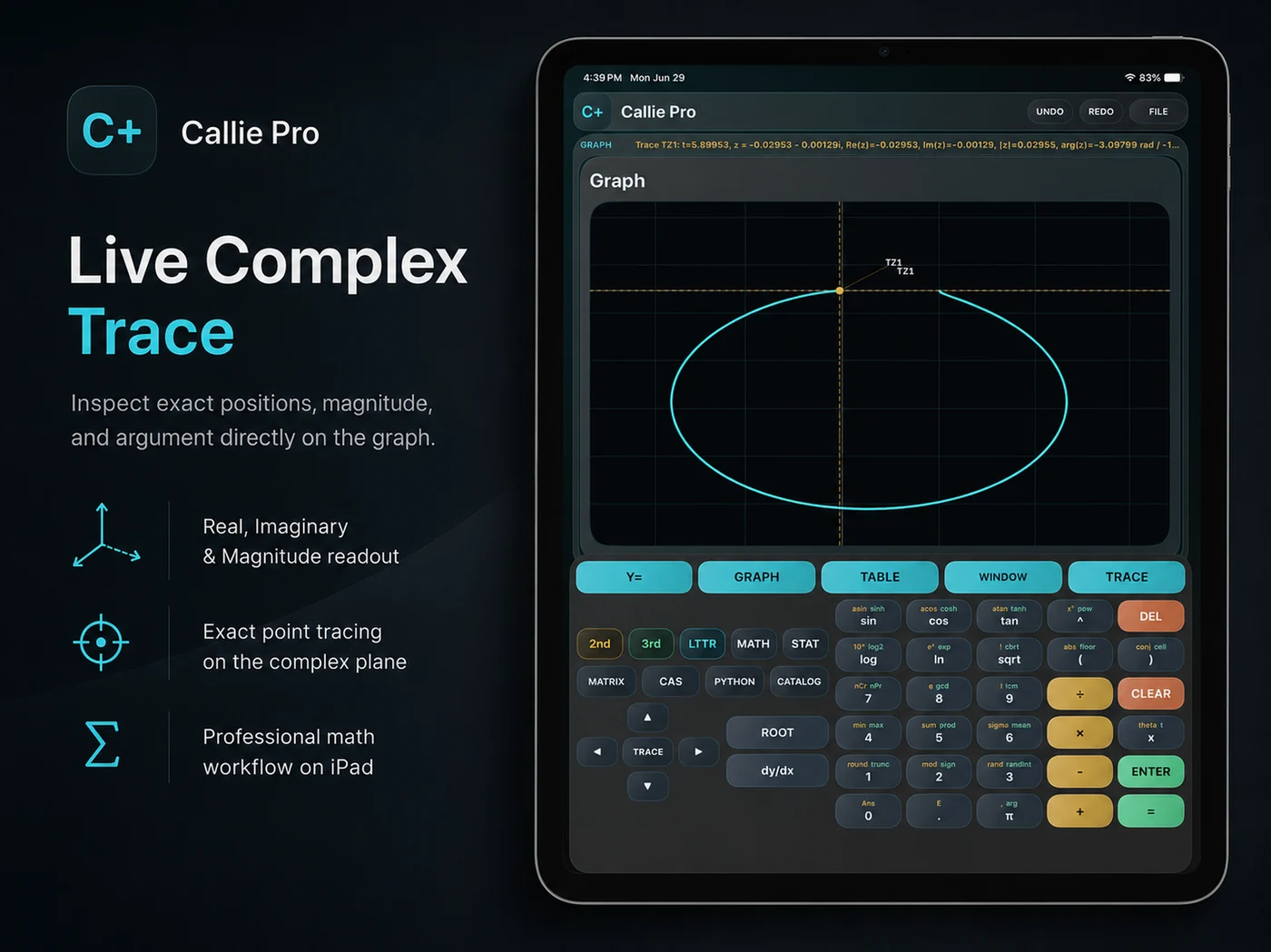
Connect a visible curve to exact trace points and sampled numerical values.
Functions, parametric and polar graphs, complex paths, and 3D surfaces.
Take graph work into SVG or PDF, and statistics data into CSV.
From coursework and teaching to engineering calculations and mathematical exploration.
The practical details
Your graphs, calculations, tensors, documents, and local Python work stay on your device.
Read the complete iPad user guideCallie Pro is a native mathematical workstation for Mac and iPad. It brings graphing, Temporal Mode, Complex 2D and 3D, CAS, Tensor, Matrix, local Python, Stats, Catalog, Trace, Table, and export workflows into one app.
Callie Pro is available as a native Mac app and as an iPad app. The iPad edition requires iPadOS 16 or later; current Mac compatibility is listed on the Mac App Store.
Supported temporal graph types include functions, parametric paths, polar graphs, complex paths, and 3D surfaces. Play, pause, step, adjust playback speed, and loop supported graphs to inspect how they change.
Enter f(z) and view its magnitude, argument, real part, or imaginary part as a height surface over the complex plane. Rotate, zoom, trace, and use supported slices and contours to inspect the structure.
Tensor supports rank-N real and complex tensors, indexed notation, Einstein summation, contractions, transformations, metric operations, tensor calculus, and numerical differential-geometry workflows.
No. It is a local, math-focused sandbox. On Mac the Python runtime is bundled with Callie Pro and does not depend on Homebrew or the system Python; the same sandbox boundaries still apply.
No account is required. Graph documents and calculations are local to your device, and Python scripts run locally inside the calculator sandbox.
No. Callie is the everyday calculator. Callie Pro is a separate Mac and iPad app for advanced graphing, symbolic math, tensor and matrix work, numerical computation, and visual exploration.

Give your mathematics a native workspace built for exploration on Mac and iPad.
Callie Pro for Mac and iPad