

Analyze datasets and confidence intervals on iPad.
Use the dedicated Stats workspace to enter or import data, inspect descriptive results, and continue into supported intervals, tests, regression, distributions, ANOVA, and CSV export.

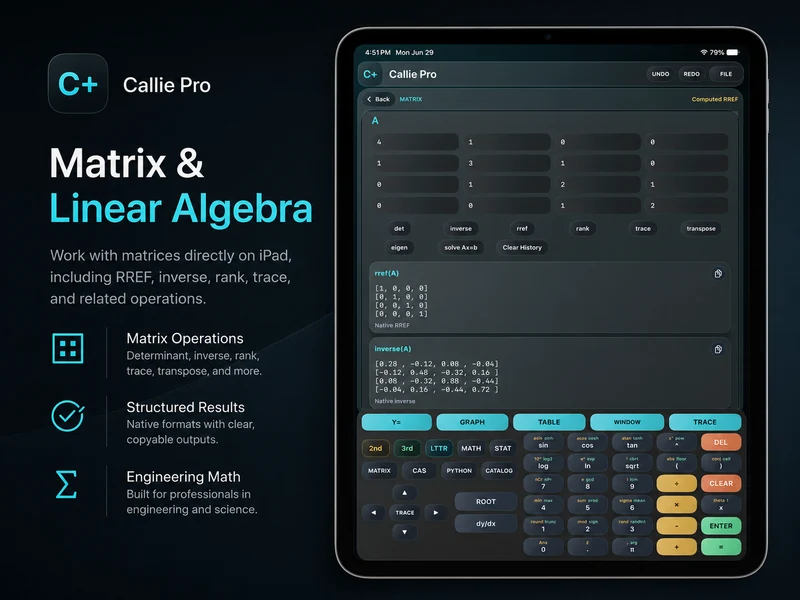
How do you run statistics in Callie Pro?
Stats begins with a dataset rather than a long calculator expression. Once values are entered, the workspace can produce supported descriptive statistics and provide focused controls for confidence intervals, hypothesis tests, regression, distribution tools, and one-way ANOVA.
Use the displayed assumptions and result labels to interpret the selected analysis, then export dataset-oriented work through the CSV workflow.
Keep the dataset and the statistical question explicit.
- 1
Enter or import the dataset
Open Stats and add the values required for the analysis. Review the dataset before calculating.
- 2
Start with descriptive statistics
Inspect count, center, spread, and other supported summaries before choosing an inferential tool.
- 3
Choose the interval or test
Select the supported confidence interval, hypothesis test, regression, distribution, or ANOVA workflow that matches the question.
- 4
Review and export
Read the structured result in context and use CSV export when the underlying data needs to move into another workflow.
Try a concrete case.
Describe a sample
Enter a small numeric dataset and inspect its supported descriptive summaries before moving to an interval or test.
Build a confidence interval
Choose the interval workflow that matches the available sample information and read the returned bounds with the displayed context.
Preserve the dataset
Use CSV export when the entered values need to be archived or analyzed elsewhere.
Continue in the definitive manual.
These links open the exact Callie Pro guide sections used as the factual source for this tutorial.
Open the complete manual section.
Read in the manual Dataset EntryOpen the exact subject in the complete user guide.
Read in the manual Descriptive StatisticsOpen the exact subject in the complete user guide.
Read in the manual Confidence IntervalsOpen the exact subject in the complete user guide.
Read in the manual Hypothesis TestsOpen the exact subject in the complete user guide.
Read in the manual Stats ExportOpen the exact subject in the complete user guide.
Read in the manualRun statistics and confidence intervals questions
Answers drawn from the visible Callie Pro workflow above.
Yes. The Stats workflow includes CSV export for dataset-oriented work.