

Build parametric paths and polar graphs on iPad.
Choose the graph type that matches the mathematics, enter the required fields, set a useful domain, and inspect the resulting path without forcing it into Y=f(x).

When should you use parametric or polar graphing?
Parametric mode is designed for a path defined by paired x(t) and y(t) expressions over a parameter interval. Polar mode uses a radius expression over an angular domain.
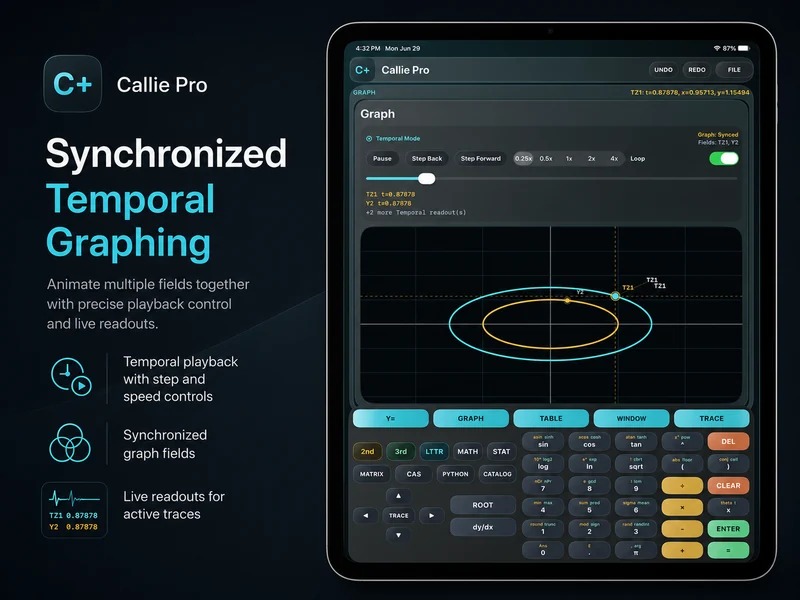
Both modes can be framed with graph controls and inspected as plotted geometry; supported temporal variants add playback when the parameter changes with time.
Choose the representation before entering the equation.
- 1
Change the graph type
Open the expression row's graph type control and choose Parametric 2D or Polar instead of an ordinary function.
- 2
Enter the required fields
For a parametric path, enter x(t) and y(t). For a polar graph, enter the radius expression in the supported angular variable.
- 3
Set the domain
Choose parameter or angle bounds that cover the part of the path you want to study.
- 4
Frame and inspect
Use Window, Fit, Zoom, and supported trace controls to examine the visible path.
Try a concrete case.
A circular parametric path
Use cosine and sine as paired coordinates over a full interval.
- x(t) = cos(t)
- y(t) = sin(t)
A polar curve
Enter a radius expression and adjust the angular domain so the complete shape is visible.
Continue in the definitive manual.
These links open the exact Callie Pro guide sections used as the factual source for this tutorial.
Open the exact subject in the complete user guide.
Read in the manual Parametric 2D GraphsOpen the complete manual section.
Read in the manual Polar GraphsOpen the complete manual section.
Read in the manual Temporal ParametricOpen the exact subject in the complete user guide.
Read in the manual